mrg-iot file
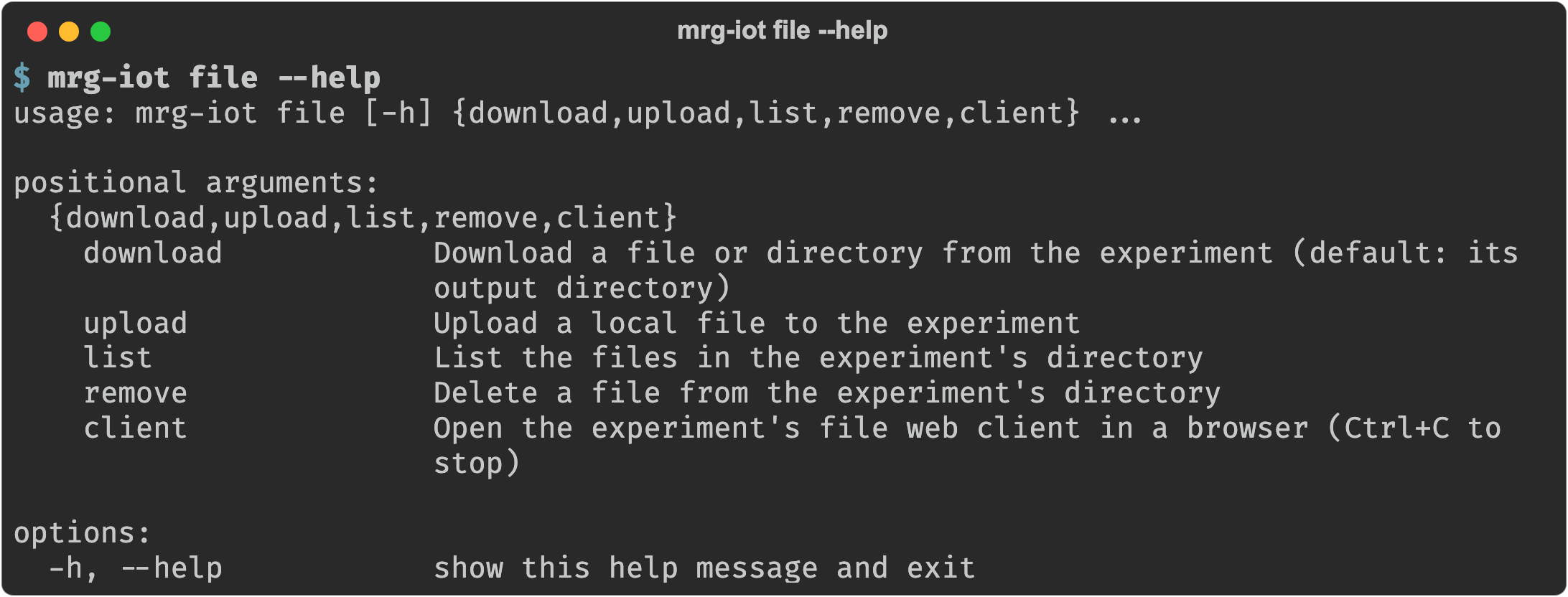
The experiment writes its capture and logs to a file server on the XDC, which mrg-iot reaches through a tunnel. The file group moves things in and out of it.
The share
| Path | Contents |
|---|---|
output/ | What the experiment produced: at minimum a log file and a .pcap network capture, plus screenshots and command output. |
uploads/ | Everything you upload with file upload. |
Names are the file server's, not your shell's: there is no globbing, and a path is relative to the share's root. Run file list and use the name it prints.
Download before you tear down
The share goes away with the experiment. Download anything you want to keep before exp teardown.
Flags
Every command that talks to a running experiment takes the same four experiment flags, each with a default, so you usually pass only -e:
| Argument | Description |
|---|---|
--project, -p | Project name. Default: your only project; required when you belong to several. |
--experiment, -e | Experiment name. Default: your username. |
--realization, -r | Realization name. Default: realiot. |
--xdc, -x | XDC name. Default: <experiment>xdc. |
Commands
| Command | What it does |
|---|---|
file list | List a directory in the experiment's share. |
file download | Download a file or directory. |
file upload | Upload a local file. |
file remove | Delete a file from the share. |
file client | Open the file web client in a browser. |
Back to the full walkthrough: Using mrg-iot.