mrg-iot stream
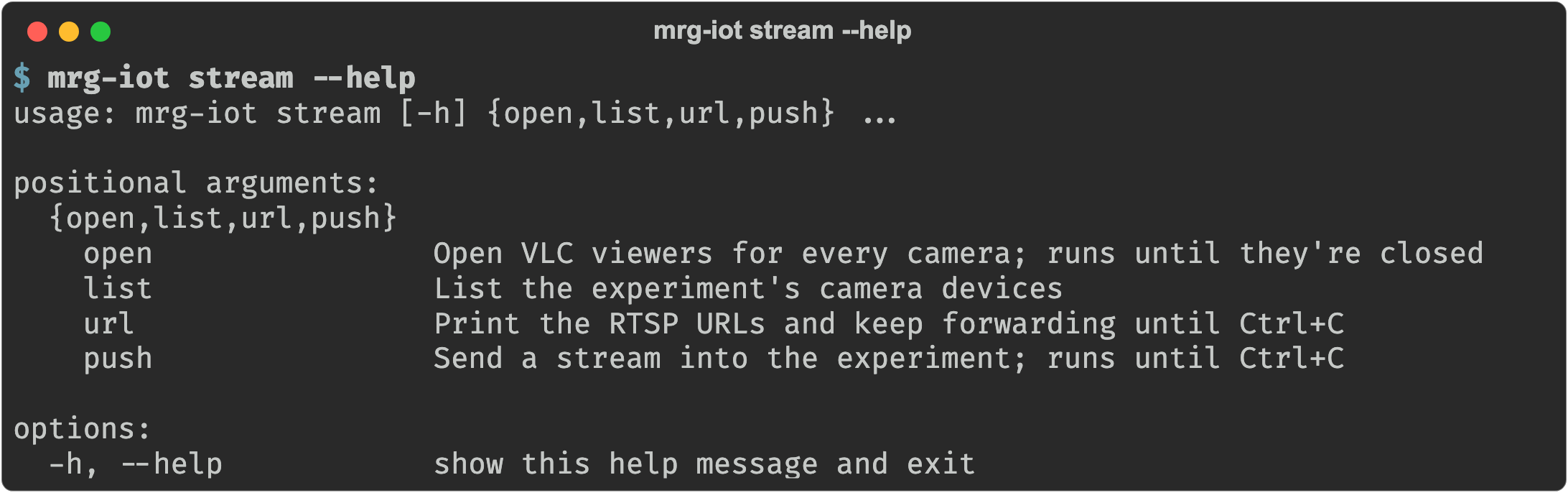
Camera-equipped devices are proxied over RTSP. list, open, and url watch them; push sends video the other way, into a device. capture streams the experiment's live network traffic into Wireshark.
Streams hold a tunnel open
A stream is continuous, so open, url, push, and capture keep running to hold their tunnel open; closing the command closes the feed. The local port is assigned per session, which is why stream list prints a <port> placeholder.
Requirements
stream openneeds VLC.stream pushneeds ffmpeg.stream captureneeds Wireshark, unless it writes to a file with--write.
Flags
Every command that talks to a running experiment takes the same four experiment flags, each with a default, so you usually pass only -e:
| Argument | Description |
|---|---|
--project, -p | Project name. Default: your only project; required when you belong to several. |
--experiment, -e | Experiment name. Default: your username. |
--realization, -r | Realization name. Default: realiot. |
--xdc, -x | XDC name. Default: <experiment>xdc. |
Commands
| Command | What it does |
|---|---|
stream list | Name the experiment's cameras. |
stream open | VLC viewers for every camera. |
stream url | Print the RTSP URLs and keep forwarding. |
stream push | Send a video stream to a device. |
stream capture | Watch the experiment's live traffic in Wireshark. |
Back to the full walkthrough: Using mrg-iot.