mrg-iot stream push
Send a video stream into the experiment for a device to watch; runs until Ctrl+C.
Usage
mrg-iot stream push [-p PROJECT] [-e EXPERIMENT] [-r REALIZATION] [-x XDC] --device DEVICE [--loop] SOURCE
Arguments
| Argument | Description |
|---|---|
SOURCE | Required. A video file, a stream URL, webcam, or screen. webcam:2 or webcam:/dev/video2 picks a specific camera. |
--device, -d | Required. Device to stream to; also the path the video is published under. |
--loop | Repeat the file when it ends instead of stopping. |
--project, -p | Project name. Default: your only project; required when you belong to several. |
--experiment, -e | Experiment name. Default: your username. |
--realization, -r | Realization name. Default: realiot. |
--xdc, -x | XDC name. Default: <experiment>xdc. |
Details
The opposite of stream open: instead of watching a camera, you give a device something to watch. It publishes the video into the experiment through the tunnel, tells the device to start watching once the video is flowing, and on Ctrl-C tells the device to stop before the tunnel closes.
- If the experiment's stream server can't carry the source's codec,
stream pushre-encodes it to H.264 and retries once. You don't need to convert files first. - One device takes one stream at a time. Pushes to different devices run side by side, each in its own terminal.
- Without ffmpeg, it still prints the publish address and forwards it, so any RTSP publisher works. Then start the device yourself with
mrg-iot cmd run "s-tvfeed-1 start_streaming". - On Windows, DirectShow names cameras:
webcam:"Integrated Camera". Screen capture on Linux needs X11; under Wayland, push a recorded file.
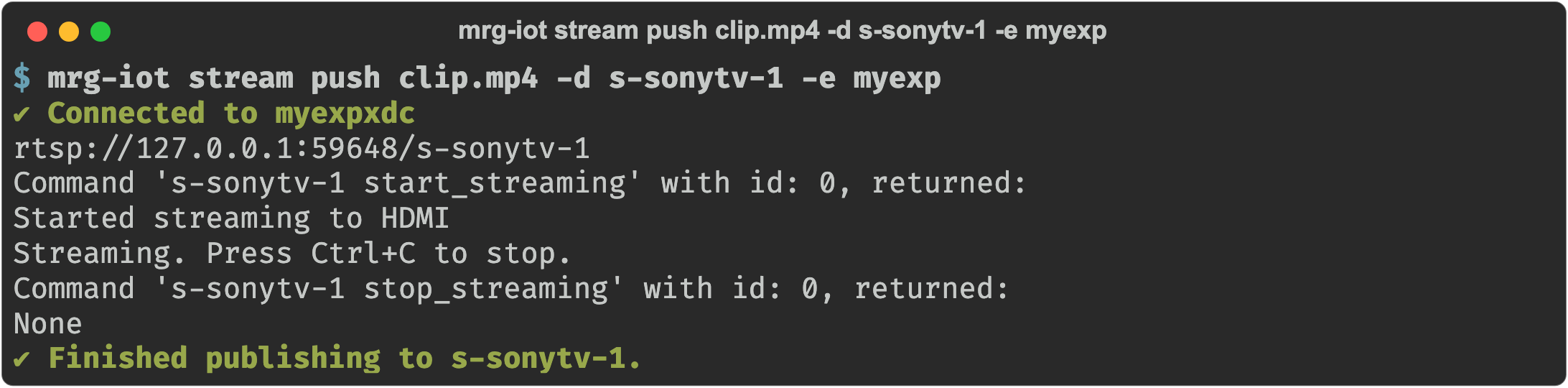
Examples
mrg-iot stream push clip.mp4 -d s-tvfeed-1           # play once
mrg-iot stream push clip.mp4 -d s-tvfeed-1 --loop    # keep it running
mrg-iot stream push webcam -d s-tvfeed-1             # this machine's camera
mrg-iot stream push screen -d s-tvfeed-1             # this machine's screen
mrg-iot stream push rtsp://cam/feed -d s-tvfeed-1    # relay another stream