mrg-iot devices
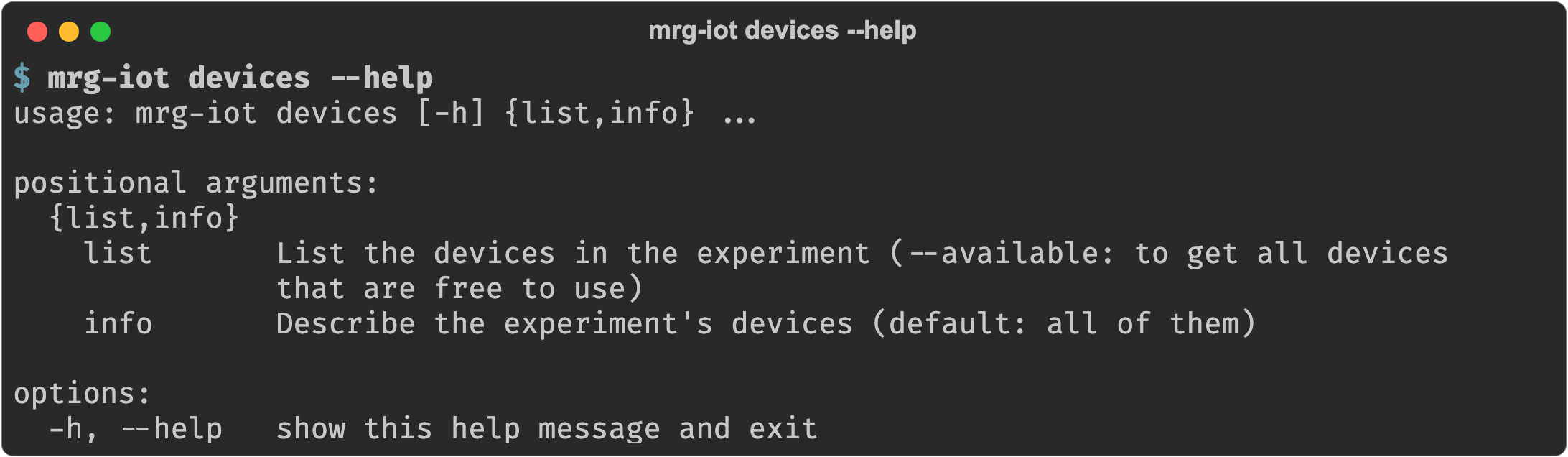
The devices group answers two questions: what is free to reserve, and what is in an experiment you already have.
Device names
Device names are of the form <prefix>-<model>-<n>, e.g. s-echodot-1. The prefix says what kind of thing the name refers to:
| Prefix | Meaning |
|---|---|
s- | A device under test, e.g. s-echodot-1. These are what you reserve and send commands to. |
m- | A helper phone, e.g. m-googlepixel-1, used to drive a device's companion app. These are being brought online. |
h- | A handler, e.g. h-camera-2: testbed hardware that acts on or watches a device. You never address these directly; cameras are named by stream list. |
devices list and devices info report helper phones as soon as they are in your experiment. Only s- names are routed for commands today; addressing an m- name returns a message saying so.
Browsing the inventory
To see what the hardware can do before you reserve it, use the device catalog at devices.iot.sphere-testbed.net. Once a device is in a running experiment, ask the device itself what it supports with cmd run:
mrg-iot cmd run "s-echodot-1 commands" -e myexp
Flags
Every command that talks to a running experiment takes the same four experiment flags, each with a default, so you usually pass only -e:
| Argument | Description |
|---|---|
--project, -p | Project name. Default: your only project; required when you belong to several. |
--experiment, -e | Experiment name. Default: your username. |
--realization, -r | Realization name. Default: realiot. |
--xdc, -x | XDC name. Default: <experiment>xdc. |
Commands
| Command | What it does |
|---|---|
devices list | List the devices in an experiment, or with --available the ones free to reserve. |
devices info | VLAN, MAC, addresses, and camera for each device in an experiment. |
Back to the full walkthrough: Using mrg-iot.