mrg-iot file client
Open the experiment's file web client in a browser, until Ctrl+C.
Usage
mrg-iot file client [-p PROJECT] [-e EXPERIMENT] [-r REALIZATION] [-x XDC]
Arguments
| Argument | Description |
|---|---|
--project, -p | Project name. Default: your only project; required when you belong to several. |
--experiment, -e | Experiment name. Default: your username. |
--realization, -r | Realization name. Default: realiot. |
--xdc, -x | XDC name. Default: <experiment>xdc. |
Details
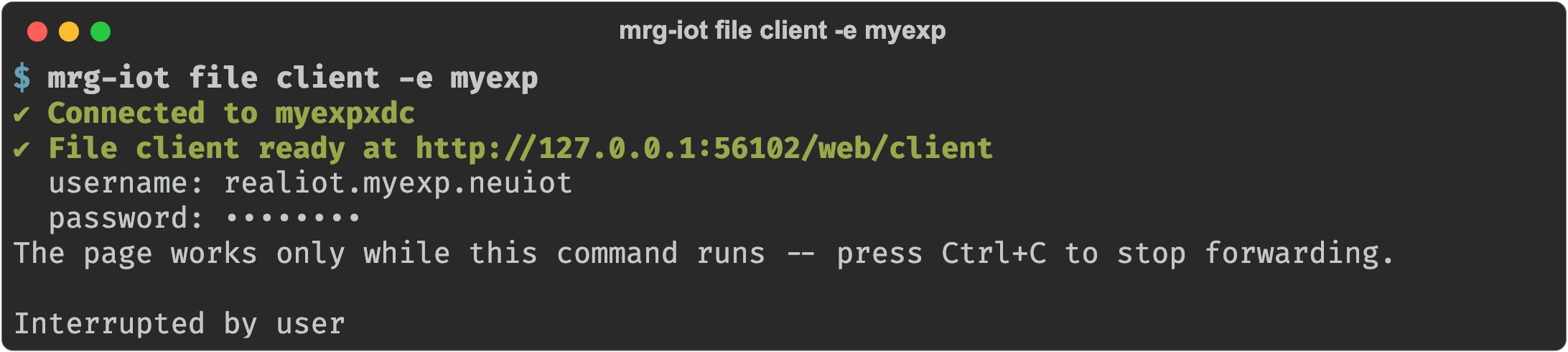
Prints the web client's address and the file-server username and password, then opens it in your browser. You can upload, download, and delete from there.
The page works only while the command keeps running, so press Ctrl+C when you are finished. The local port changes every time, so there is no address to bookmark.
Examples
mrg-iot file client -e myexp