mrg-iot exp setup
Create and deploy an experiment in one command, up to an attached XDC.
Usage
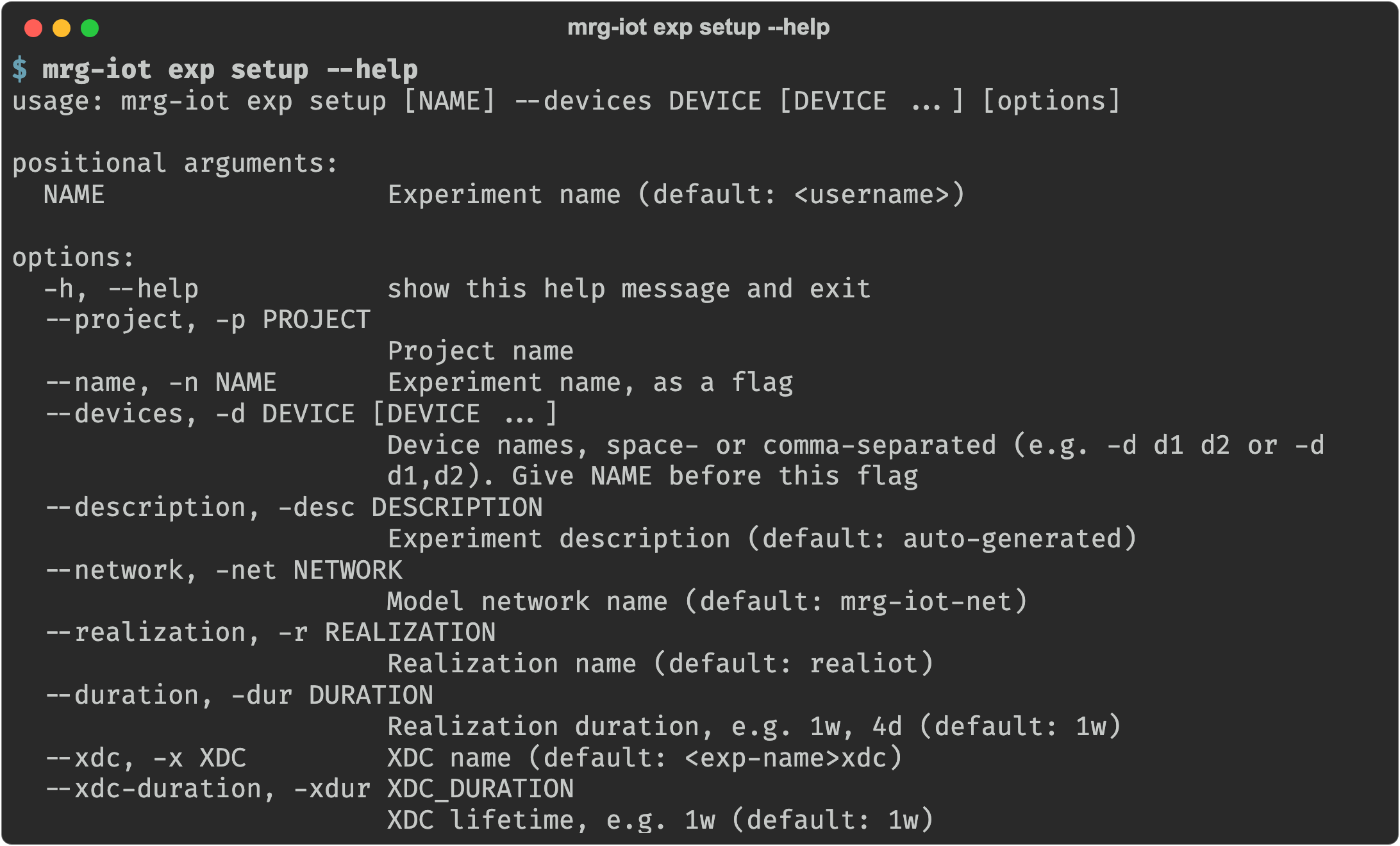
mrg-iot exp setup [NAME] --devices DEVICE [DEVICE ...] [--project P] [--description D] [--network N]
                  [--realization R] [--duration DUR] [--xdc X] [--xdc-duration DUR]
Arguments
| Argument | Description |
|---|---|
NAME | Experiment name, positional. Default: your username. |
--name, -n | Experiment name, as a flag instead of NAME. |
--project, -p | Project name. Default: your only project; required when you belong to several. |
--devices, -d | Required. Device names, space- or comma-separated (-d d1 d2 or -d d1,d2). Duplicates are dropped. |
--description, -desc | Experiment description. Default: Experiment created with mrg-iot by <username>. |
--network, -net | Model network name. Default: mrg-iot-net. |
--realization, -r | Realization name. Default: realiot. |
--duration, -dur | Realization duration, e.g. 1w, 4d, 1w2d3h. Default: 1w (minimum 4d). |
--xdc, -x | XDC name. Default: <experiment>xdc. |
--xdc-duration, -xdur | XDC lifetime. Default: 1w (minimum 4d). |
Details
exp setup is exp create plus exp deploy. It creates the experiment and its model, realizes it (allocates the hardware), materializes it (brings it online), creates an XDC, and attaches the two. It waits up to about 5 minutes for the new XDC to accept connections.

If it fails
If any step fails, exp setup removes everything it had created, including the experiment, and exits with the code for the failed step (see Exit codes). If the rollback can't remove something, it names what is still allocated and prints the exp teardown command that finishes the job.
Ctrl-C is different: the command stops at once (exit code 130) and keeps what it had created. Pick up with exp status and exp deploy, or clear it with exp teardown.
Examples
mrg-iot exp setup --devices s-echodot-1                          # everything defaulted
mrg-iot exp setup myexp --devices s-echodot-1 s-googlenest-1
mrg-iot exp setup myexp -p neuiot -d s-echodot-1 --duration 2w
See also
exp teardown: the inverse